"Rekommenderar starkt, mycket professionell elektriker. Har stort tålamod att förklara och diskutera utförandet av jobbet, kom med bra lösningar som gav ett bättre resultat."
Stina Britt-marie G
Jag är elektrikern som faktiskt ringer tillbaka. Jag hjälper hem och företag i Stockholm med allt från mindre installationer till större projekt — pålitligt, prydligt och utan jargong.


Från snabba reparationer till hela renoveringar. För privatpersoner, BRF:er och företag i Stockholmsområdet.
Hela vägen från projektering till färdig anläggning. Oavsett om det handlar om ett nytt kök, en helrenovering eller bara ett par tilläggspunkter — det görs med dokumenterad behörighet och full försäkring.
Vi tar oss tid att förklara vad som görs och varför, och städar upp efter oss.
När elen krånglar — säkringar som löser ut, jordfelsbrytare som slår till, eller bara något som inte funkar — kommer vi ut, mäter och hittar felet. Snabbt, metodiskt och utan onödigt skruvande.
Bor du i Stockholms innerstad är responstiden ofta inom 2 timmar — ring så löser vi det.
Allt från en enkel taklampa till en hel ljusplan. Vi är Helvar Designer 5-certifierade, vilket innebär att vi kan rita, programmera och driftsätta intelligent belysningsstyrning för både hem och lokaler.
Kombinera gärna med smarta hem-lösningarna nedan — då pratar belysningen med övriga systemet.
Vi installerar och konfigurerar smarta system som faktiskt fungerar i längden. KNX för det stora, helintegrerade. Loxone för det flexibla. Apple Home / Matter för det enkla, app-styrda.
Vi blandar inte plattformar i onödan — bättre med ett system som verkligen sitter.
Kontor, butik, restaurang eller verkstad — vi tar hand om elen anpassat till verksamhetens dygn, säkerhetskrav och förändringstakt. Vi är medlem i Installatörsföretagen och följer Installationsavtalet.
Behov av samordningsmätningar, energikartläggning eller årlig kontroll? Det fixar vi också.
Står ni inför en renovering? Då gör vi elen i samma takt som resten — men håller ihop helheten så att det inte blir efterklokt. Vi planerar tillsammans med snickare, byggare och VVS från start.
Tidigt i processen är bäst — säg till så snart ni vet att ni ska riva.

Branschorganisation för installationsföretag. Sparkon följer Installationsavtalet.
Auktorisationsutbildning via INSU — installationsbranschens utbildningsbolag.

Intelligent belysningsstyrning och ljusdesign.
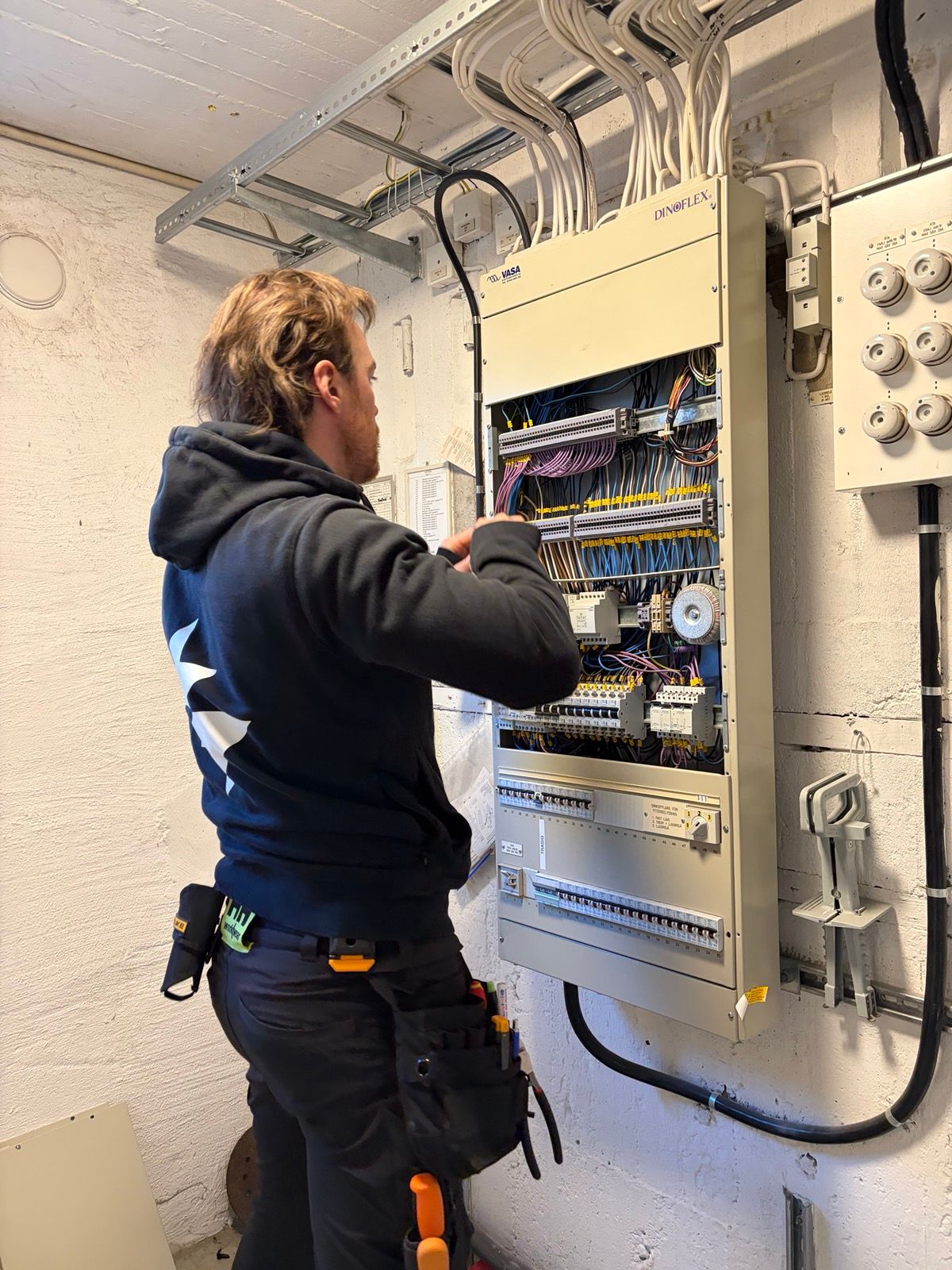
Hej! Jag heter Patrik och driver Sparkon. Uppvuxen i Skellefteå och flyttade till Stockholm 2018 — Jag tror på prydligt hantverk, ärliga priser och att förklara så det blir begripligt. Jag är nöjd ifall du är nöjd!
Riktiga ord från riktiga kunder.
"Rekommenderar starkt, mycket professionell elektriker. Har stort tålamod att förklara och diskutera utförandet av jobbet, kom med bra lösningar som gav ett bättre resultat."
"Hjälp med enklare eljobb. Lätt att kommunicera och flexibelt utförande."
"Fantastic electrician, friendly, professional, fast, did a really good job, and even found ways to make the result better than I had considered. If you need an electrician, this is the one to pick."
"Helnöjd! Noggrant utfört och bra förslag på lösningar."
"Vi är supernöjda verkligen! Grymt utfört och kom också med mycket bra förslag på förbättringar jag själv inte hade tänkt på men hade varit jobbiga/dyra att lösa i efterhand."
"Välutfört, professionellt arbete. En hantverkare som jag använt flera gånger."
"Jag fick hela lägenheten jordad plus lite nya uttag etc. Allt gick snabbt och det blev bra! Rekommenderas!"
"Jag kan varmt rekommendera Sparkon AB. Jag har anlitat Patrik för ett stort och ett mindre eljobb och han är mycket kunnig, lyhörd och kompetent."
"Patrik gjorde om all el i hela lägenheten och bytte till fina modernare strömbrytare, han är proffsig och pålitlig, rekommenderar! Han är dessutom väldigt trevlig och snäll!"
Lämna gärna ett omdöme på Google — det hjälper andra hitta oss och betyder mycket för en liten firma.
Lämna omdöme på Google
Berätta om ditt projekt så återkommer jag samma dag — alltid. Mejl, telefon eller sms, det som passar dig bäst.